You Just Gave an AI Agent Write Access to Your CRM. Who Approved That?
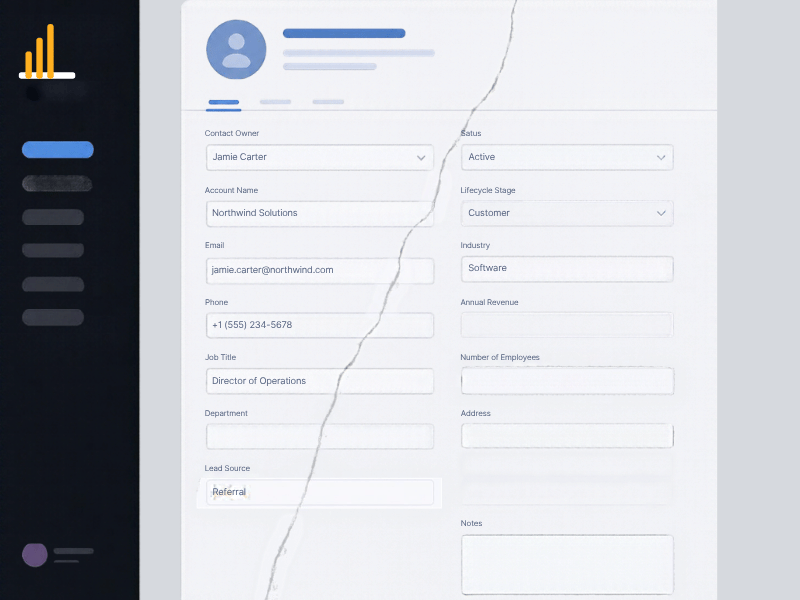
HubSpot and Apollo are becoming the control plane for AI agents, which means CRM permissions are now a governance issue, not just an automation setting. Most small B2B teams have not assigned an owner, set a boundary, or logged a single change, and that gap surfaces as a data integrity problem in about 90 days.
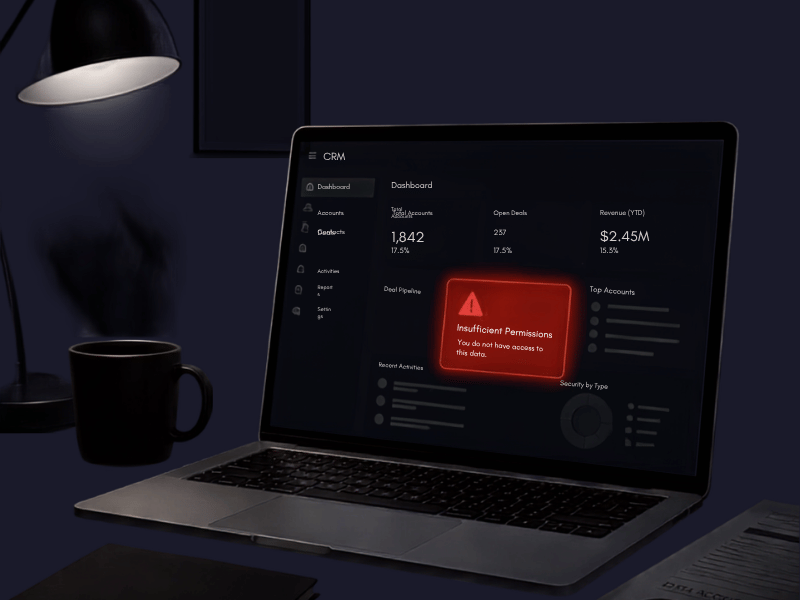
You just gave an AI agent write access to your CRM. Who approved that, and who is watching what it does?
If you cannot answer that question in under ten seconds, you are not alone, and that is exactly the problem. Somewhere in the last few months, someone on your team turned on an AI agent inside HubSpot or Apollo to auto-update deal stages, draft follow-ups, or enrich contact records. It probably took fifteen minutes to set up and felt like a productivity win. Nobody scoped what it could touch. Nobody wrote down what it is allowed to overwrite or delete. There is no log anyone checks.
Enterprise companies run security reviews before anything gets write access to production systems. Lean B2B teams usually have one CRM admin, good intentions, and a Slack message that says something like 'hey I turned on the AI thing for follow-ups, seems to be working.' That is the entire governance process at most companies under 50 people right now.
Your CRM Is Now the Control Plane, Not Just the Database
For the last decade, CRM governance meant field permissions, role hierarchies, and maybe a validation rule or two. That model assumed a human was typing every change. Agents break that assumption completely.
HubSpot's workflow and agent tools now let an AI process update deal stages, change close dates, log activities, and in some setups, send outbound messages on a rep's behalf. Apollo does the same on the prospecting side, enriching and sequencing without a human touching the record. The permission structure for these actions lives inside the CRM itself now, in the same settings menu as your regular user roles. There is no separate security layer watching it.
That is a meaningful shift. A misconfigured workflow used to break one deal record. A misconfigured agent with broad write access can touch hundreds of records in an afternoon, and because it is following logic instead of intuition, it will do it consistently and confidently, even when the logic is wrong.
I have heard stories of small SaaS companies that turned on an agent to auto-advance deals to 'commit' when certain email reply patterns were detected. It looked smart for three weeks. Then it started flagging deals as commit based on out-of-office replies that contained phrases like 'let's connect when I'm back.' The forecast was overstated by close to 18% before anyone caught it, because nobody was auditing what the agent had actually changed versus what a rep had changed.
No Audit Trail Means No Way to Undo a Bad Decision
Here is the part most teams skip entirely: HubSpot logs field changes, but most teams never look at that log, and almost none of them have set up alerts or reviews specific to agent-driven changes versus human changes. When something goes wrong, you cannot tell whether a rep fat-fingered a deal stage or an agent moved it based on faulty logic.
This matters because the fix is completely different depending on the cause. A rep error is a training conversation. An agent error is a logic bug that will repeat itself on every deal that matches the same pattern, potentially hundreds of times before anyone notices the trend.
Another company had an agent auto-updating lead scores based on website activity. A tracking script broke for nine days. The agent kept scoring leads as high-intent based on stale data, sales kept chasing dead leads, and nobody could reconstruct what happened because there was no record tying the score changes to the agent versus organic scoring rules. They eventually pieced it together from GA data, not the CRM. That should never be the fallback method for diagnosing a CRM data issue.
Permission Scope Is Not a Set-It-Once Decision
Most teams that do think about this treat it as a one-time setup: grant the agent access, watch it for a week, move on. Agent behavior drifts as your data changes, your workflows change, and the agent's own logic gets retrained or updated by the vendor. A permission scope that made sense in January can be actively dangerous by June if your deal stages changed or your lead scoring model got rebuilt.
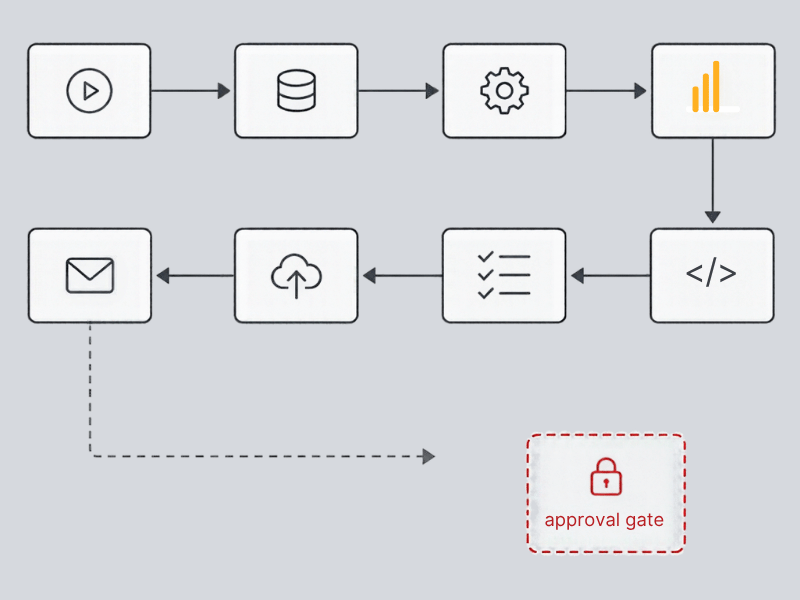
The teams handling this well, and there are not many, do three things. They name one person as the accountable owner for every agent's permission scope, not just the admin who flipped the switch. They restrict write access to a narrow, specific set of fields and actions rather than granting broad edit rights, even when the broader access would save setup time. And they review a sample of agent-driven changes weekly, not just when something looks obviously wrong, because subtle drift does not look wrong until it has compounded for months.
None of this requires an enterprise security team. It requires someone treating agent permissions with the same seriousness as they would treat giving a new hire admin rights to the CRM on day one. Most companies would never do that for a person. They are doing it routinely for software.
The Fix Is Governance, Not Less Automation
The instinct after reading this might be to pull back on AI agents entirely. That is the wrong lesson. The agents are not the problem. The absence of a permission structure and an audit trail is the problem, and that is a fixable, unglamorous, one-afternoon project for most companies.
If you cannot currently name who approved your agent's CRM access and list exactly what fields and objects it can write to, you do not have an automation problem. You have a governance gap, and it will surface as a data integrity problem, usually inside 90 days, usually right around a board meeting or a forecast review when someone asks why the numbers do not match what the reps are saying.
This is the kind of thing that is cheap to fix before it breaks and expensive to unwind after it does. If you want a second set of eyes on what your agents actually have access to right now, or you want help setting up a permission structure that will not fall apart the first time your workflows change, that is exactly the kind of work LangLine does. Reach out and we can walk through your current setup together.