The n8n Workflow That Fails Silently Costs More Than the One That Crashes Loudly
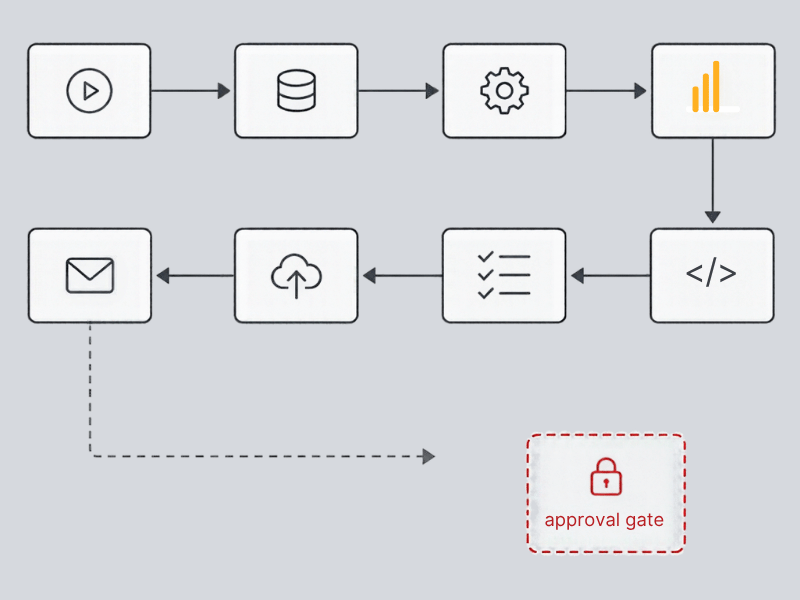
Everyone builds error handling for the workflow that crashes. Almost nobody builds it for the one that quietly writes bad data and keeps running. This post breaks down four silent failure patterns showing up in real n8n audits and what to build instead of a dashboard.
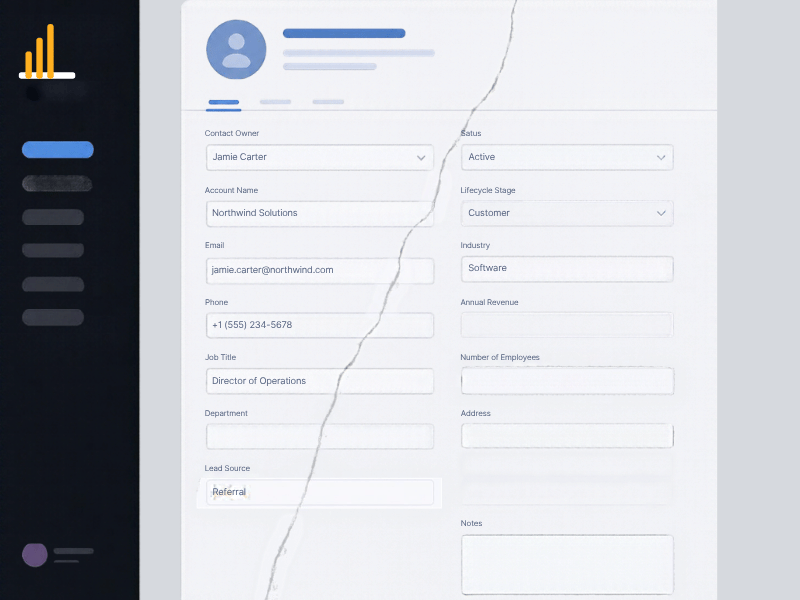
Your automation didn't break. It just quietly wrote half a record and nobody noticed for three weeks.
That's the failure mode that actually costs money, and it's not the one most people build defenses against. Everyone worries about the crash. You get an error, a red X, a Slack alert, something you can point at. You fix it, ship the fix, move on. That's easy mode.
The expensive failures don't announce themselves. They finish the run, log a success, and leave a record in your CRM that's wrong in a way nobody's looking for. I've audited enough of these builds now to see the same four patterns over and over, and none of them show up on a dashboard.
Rate Limits Don't Fail Loud, They Fail Partial
The most common one I find: a workflow hits a rate limit mid-execution, writes the first half of a record, then stops. No error thrown, because technically nothing errored. The API just stopped responding the way the workflow expected, and the workflow had no way to know the record it just wrote was incomplete.
I saw this on a lead enrichment build where a company was pulling firmographic data from three sources and writing it into HubSpot as one workflow. Somewhere around record 40 in a batch of 60, the third API source started throttling. The workflow kept writing, just without that third field set. Nothing flagged it. The company had 20 contacts sitting in their CRM for almost a month with blank industry and employee count fields, which fed directly into their lead scoring model. Their sales team was working a partial list without knowing it, because the records looked complete enough at a glance.
The fix isn't complicated, it's just skipped. You need a completeness check after every write, not just an execution check. If a record is supposed to have five fields populated and it has three, that's a failure state, even though the workflow technically ran to completion.
Nothing Checked the Shape of the Data Before It Landed
APIs return malformed responses more often than people expect, especially anything touching AI-generated content or a third party enrichment tool that's had a schema change nobody told you about. If your workflow doesn't validate the shape of the response before writing it, you're trusting every upstream vendor to never have a bad day.
I've seen a workflow write a full JSON error object into a company description field because the enrichment API returned an error payload instead of the expected text string, and the workflow had no schema check between the API call and the CRM write. It looked like garbage in the field, but not garbage anyone caught right away, because who's reading every company description field in their CRM. It sat there for over a month before someone doing a data cleanup noticed a dozen records with what looked like broken code instead of a description.
The operational detail people miss here: validation isn't the same as error handling. Error handling catches the API call failing outright. Validation catches the API call succeeding but returning something you didn't ask for. You need both, and most n8n builds I audit only have the first one.
Stale Data Looks Correct Enough That Nobody Questions It
This one's sneakier because it doesn't look broken at all. A research or enrichment source hasn't refreshed, so the workflow pulls last month's data and writes it as current. Nothing about the record looks wrong. It's just wrong in a way that only matters when someone acts on it.
I worked with a company running automated company research into their CRM ahead of outbound calls. Their source data refreshed on a schedule that didn't line up with their outreach cadence, so reps were occasionally getting company news, funding data, or headcount figures that were six to eight weeks stale. Nobody flagged it because the data was plausible. A rep opened a call referencing a funding round that had already closed and been publicly discussed for over a month. It wasn't a system crash. It was a credibility hit that traced straight back to a timestamp nobody was checking.
If your workflow pulls from a source that refreshes on its own schedule, you need a timestamp check built into the write logic, not just trust that fresh means fresh.
Matching Logic That's Too Loose to Catch Its Own Mistakes
Duplicate records are the most talked-about data hygiene problem in any CRM, but the reason they keep happening in automated workflows specifically is almost always the same: matching on a single field, usually email, with no fallback logic and no review step for near-misses.
A workflow that matches only on email will miss the contact who used a personal address on a form fill and a work address in a previous CRM entry. It'll create a duplicate, both records will look legitimate, and now you've got split activity history, a lead score that's wrong on both records, and a sales rep working one of them without visibility into the other. I've seen this exact scenario fragment a single account's engagement history across three duplicate contact records over the course of a quarter, with no single person catching it because each duplicate creation event looked like a normal new lead.
Matching logic needs at least a secondary signal, domain plus name proximity is a reasonable minimum, and anything that doesn't clear a confidence threshold should route to a review queue instead of auto-creating a new record.
What to Build Instead of a Dashboard
A dashboard tells you a workflow ran. It doesn't tell you whether what it wrote was correct, complete, or current. What actually catches the four patterns above is logging on every write, not just every execution, plus a replay queue for anything that fails a validation check instead of a silent pass-through.
That means: a completeness check per record, a schema validation step before any write, a timestamp check on anything sourced from an external refresh cycle, and matching logic with a confidence threshold that routes uncertain matches to a human instead of the database.
None of this is exotic. It's just usually the first thing skipped when a workflow gets built fast to hit a deadline, and the first thing missing when I get called in months later to figure out why the CRM data doesn't match what the sales team is seeing in their calls.
Which one of these have you actually caught in your own systems? If the honest answer is none, that's less likely because your builds are clean and more likely because nobody's looked yet.
If you want a second set of eyes on what your automations are actually writing, not just whether they're running, that's the kind of audit we do at LangLine Consulting. Reach out and we'll walk through it.